AI tools for students, trusted by teachers
A guided way for students to learn, create, and build skills responsibly.
80% of student interactions aligned to core learning outcomes.

Tens of millions of student feedback interactions supported in 2025.


AI for students
Learning-first AI, made for classrooms
Turn everyday lessons into engaging classroom moments.
Spark curiosity
Create interactive classroom experiences that boost engagement and lead to stronger learning outcomes.

Nurture critical thinking
Create space for students to explore ideas, solve problems, and practice thoughtful, responsible AI use.
Guide student progress
Give timely feedback that helps concepts click and keeps students moving forward.
Support safe, responsible AI use
Keep your classroom safe with built-in moderation guided by district expectations.
Move at your own pace
Introduce new AI tools for students as it feels right for your classroom.
Track student learning
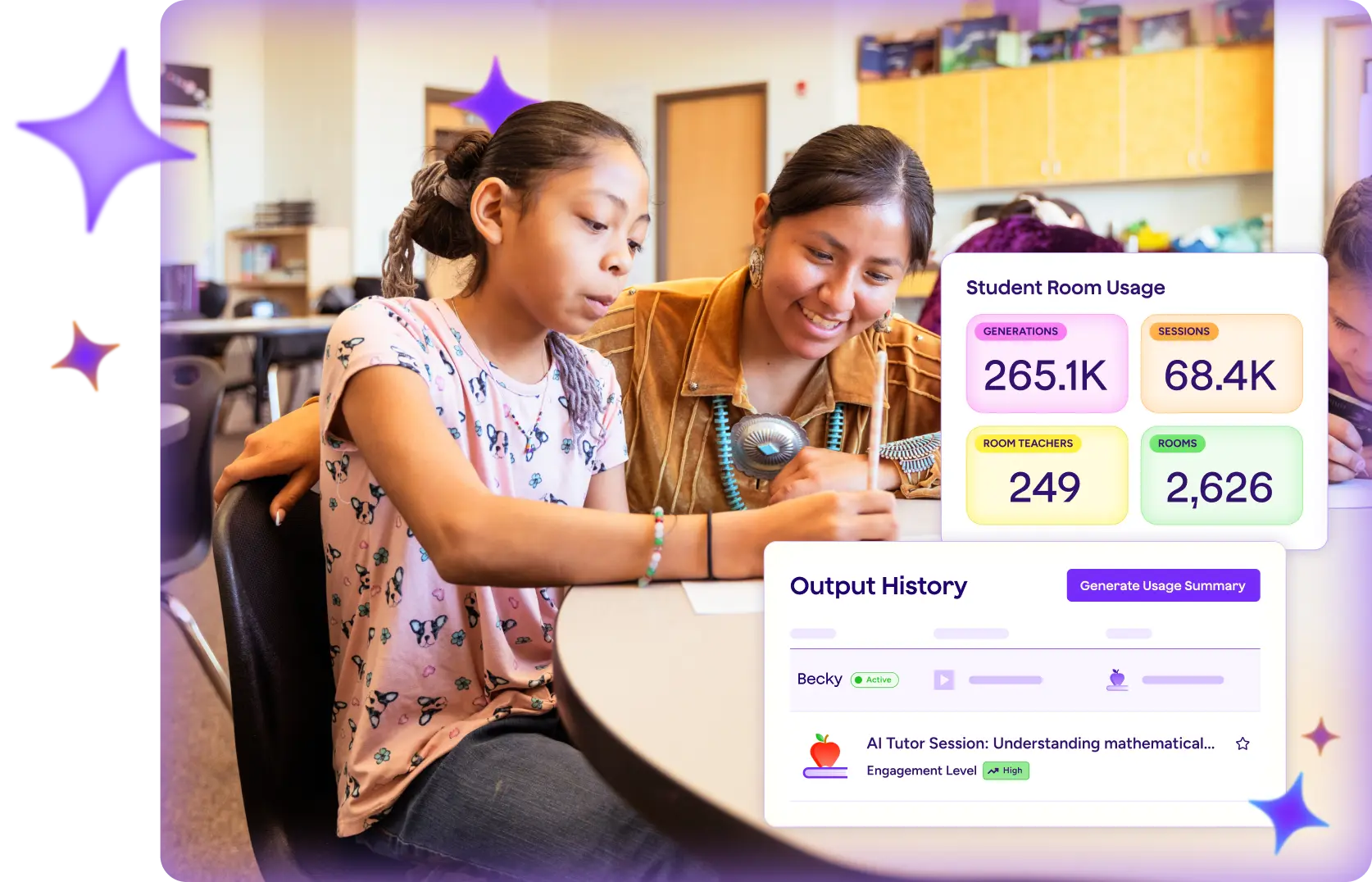
Get a clear view of how students use AI, so you can see what’s working and where extra support may help.

Trust and safety
Safe, secure AI for schools
Rigorous security to protect your data


SOC 2–certified and FERPA/COPPA-compliant, our infrastructure meets and exceeds district-level privacy standards.
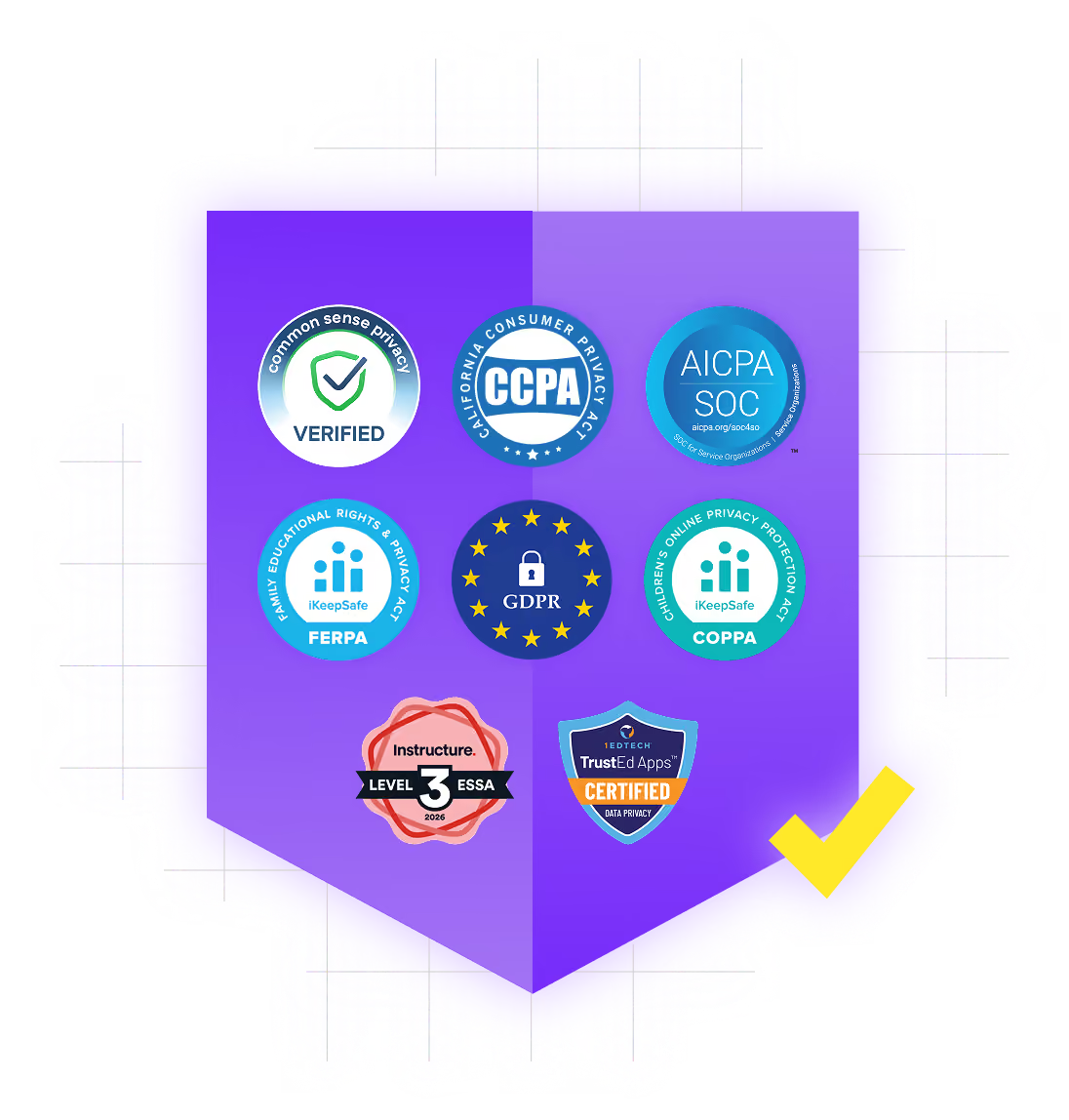
Data privacy you can depend on
We don’t use student or teacher data to train AI. Your information remains private, protected, and securely managed.
Responsible AI for education
Every feature includes built-in safeguards and is designed to help schools innovate confidently and responsibly.

Resources that support student learning
MagicSchool helps students build skills, use AI responsibly, and succeed in the classroom. Explore resources and insights that support learning and stronger outcomes.
Classroom-ready guides and lessons that help students learn AI and use it with confidence.

Use Student Room Insights to see how students are engaging and spot where extra support can help.
Real classrooms, real learning. See how schools are strengthening student outcomes.


Why classrooms love our AI for students
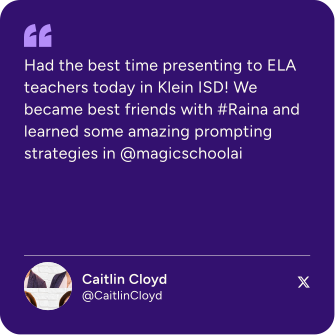
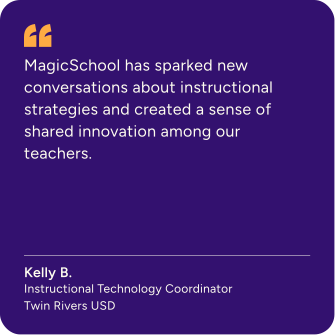
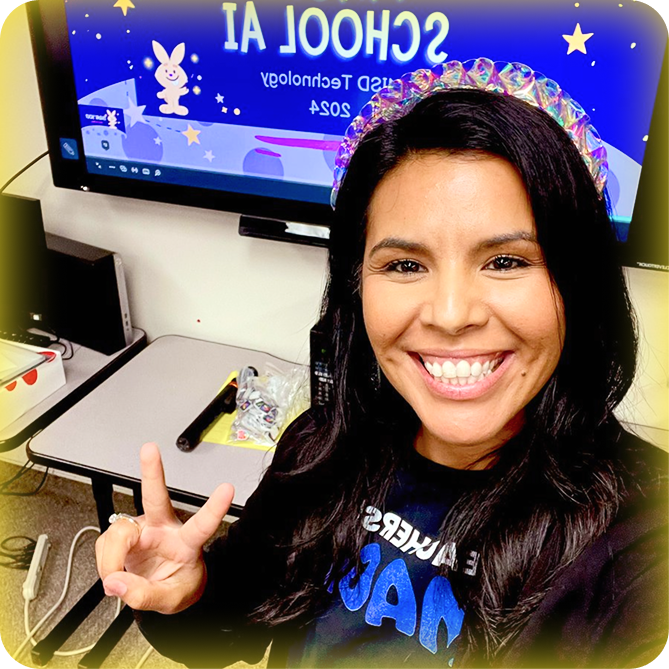
Hear from the educators who inspire everything we build.
.svg)

Bring families into the conversation
Help families understand how AI fits into the classroom, with clear guidance on safety, screen time, and student learning.


Your questions, answered
Find answers about plans, features, and using MagicStudent.
What are best practices for using MagicSchool appropriately?
MagicSchool is designed to support teaching and learning, not replace professional judgment. We recommend using AI to draft, brainstorm, organize, and differentiate materials, then reviewing and refining outputs before sharing them with students.
For student use, AI works best when it supports thinking rather than doing the thinking for them. Educators should set clear expectations about when and how AI tools can be used in class, just as they would with any other instructional resource.
MagicSchool provides guidance and guardrails to help schools model responsible, age-appropriate AI use.
How does MagicSchool keep student data safe?
MagicSchool uses encryption for data in transit and at rest, along with role-based access controls and ongoing security reviews. We also complete regular security audits to strengthen safeguards over time. Student privacy and district trust are requirements, not add-ons.
Does MagicSchool store or share student conversations?
Student interactions are stored securely to support teacher visibility and classroom oversight. Only authorized educators and administrators in your school or district can view these interactions. MagicSchool does not sell or share student conversation data for advertising and does not allow it to be used to train external AI models.
How does MagicSchool moderate content, especially for students?
MagicSchool uses a multi-layered moderation approach designed for K–12 settings. The platform includes built-in guardrails and content filtering to reduce unsafe, inappropriate, or off-task outputs. For student use, teacher controls and visibility help keep activity aligned to classroom expectations.
How does MagicSchool handle age requirements and student eligibility across K–12?
MagicSchool supports student use through school-approved access and educator-guided experiences. Students can use the platform when a school or educator enables access for legitimate educational purposes and appropriate consent requirements are met. We apply child-focused privacy protections across student use, including additional safeguards where required by law or district agreement.